Microsoft Edge Mobile Browser
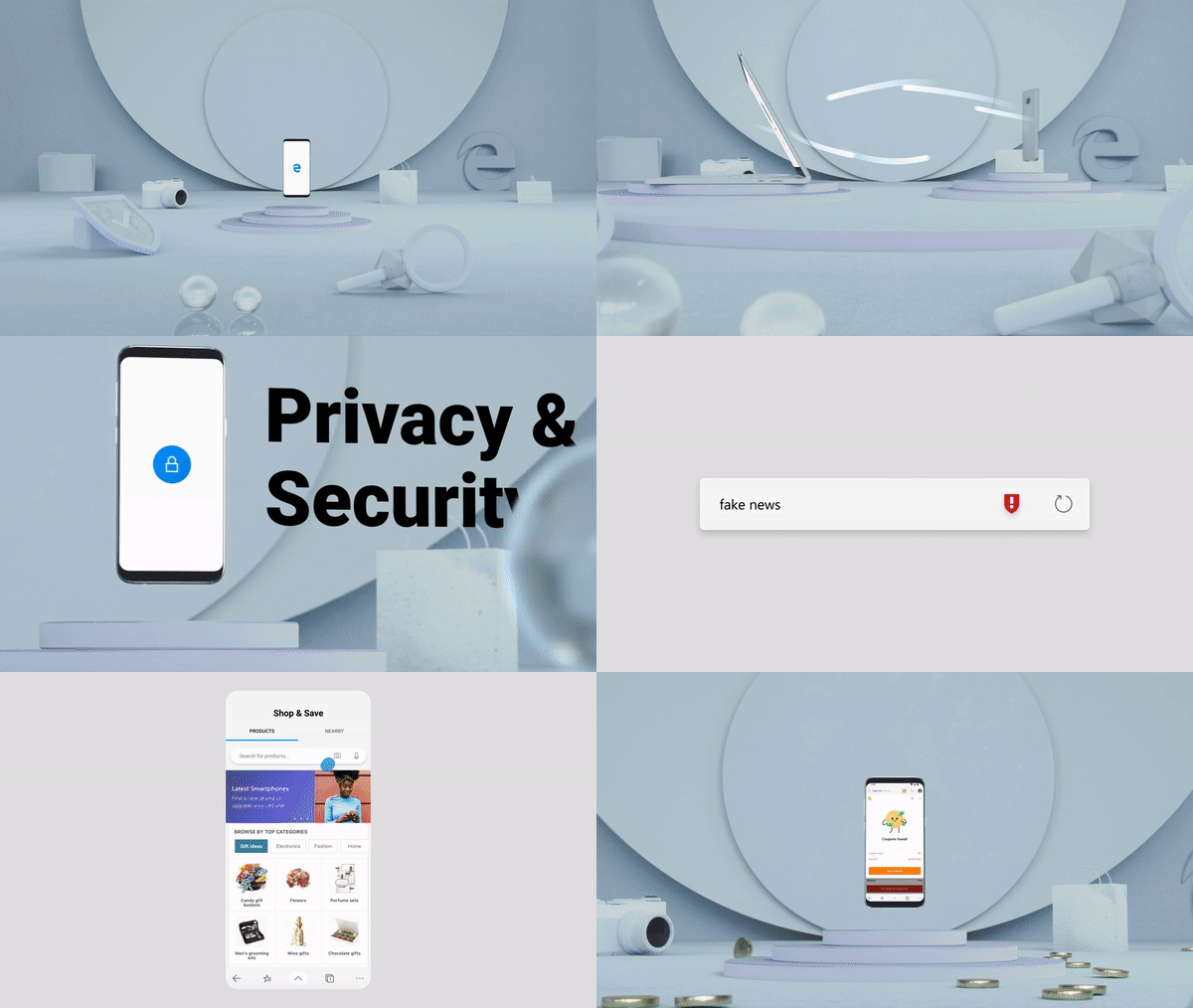
Feature Reel | Credit: Visuals - Edge Mobile Design team; Motion - Supporting Motion designers from MMXConnecting browsing across devices
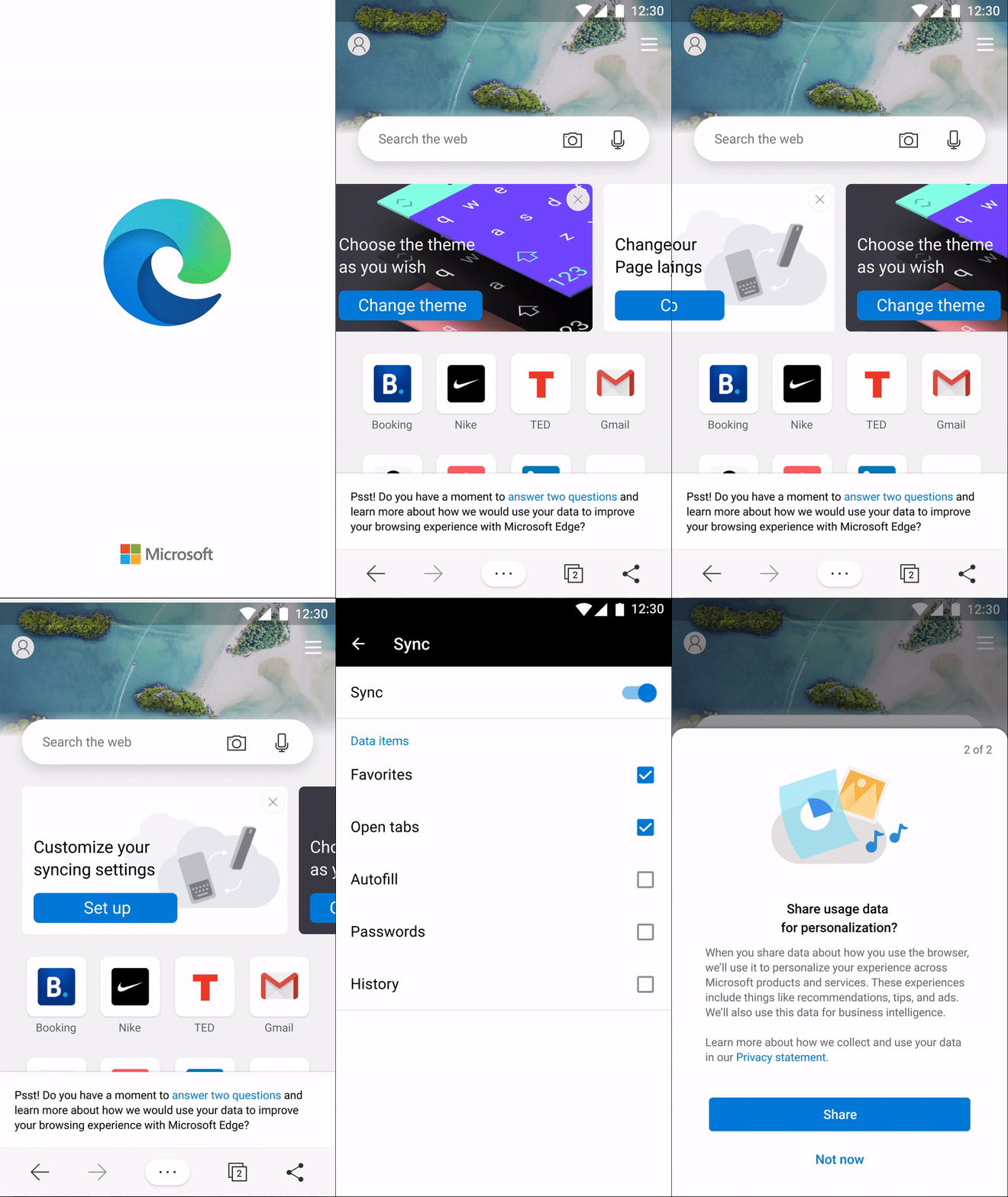
With the launch of the new Edge browser on PC and Mac, the mobile team explored new ways to connect browsing across devices, including syncing passwords, form-fill information, addresses, and open tabs.
My role
My work spanned password management, account and syncing settings, and related cross-device experiences. Some features were unavailable or had existing usability issues, so the work involved both establishing the foundations for syncing and improving how people managed their information across devices.
I designed experiences across password management and account/sync settings, working closely with product managers, a UX writer, and the desktop team.
I defined user flows for complex scenarios, created wireframes at different levels of fidelity, and helped clarify feature scope and edge cases before implementation. As requirements and release plans changed, I balanced immediate delivery needs with opportunities to improve the overall experience.
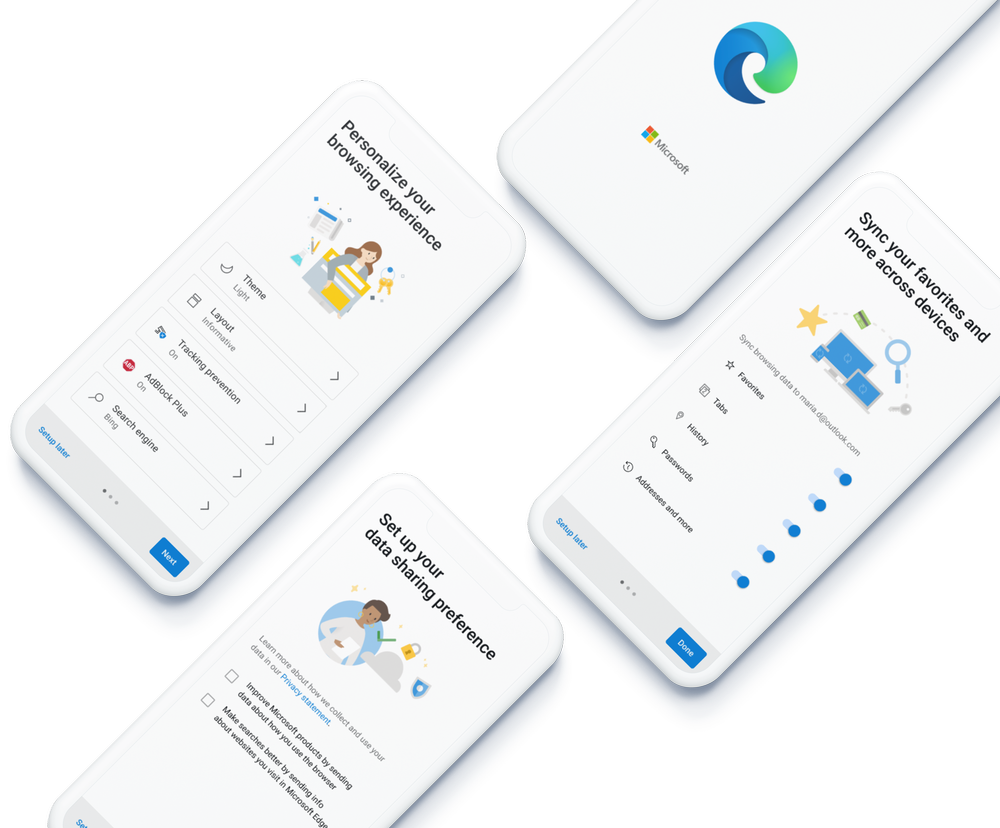
Improving Edge Mobile’s First-Run Experience
The challenge
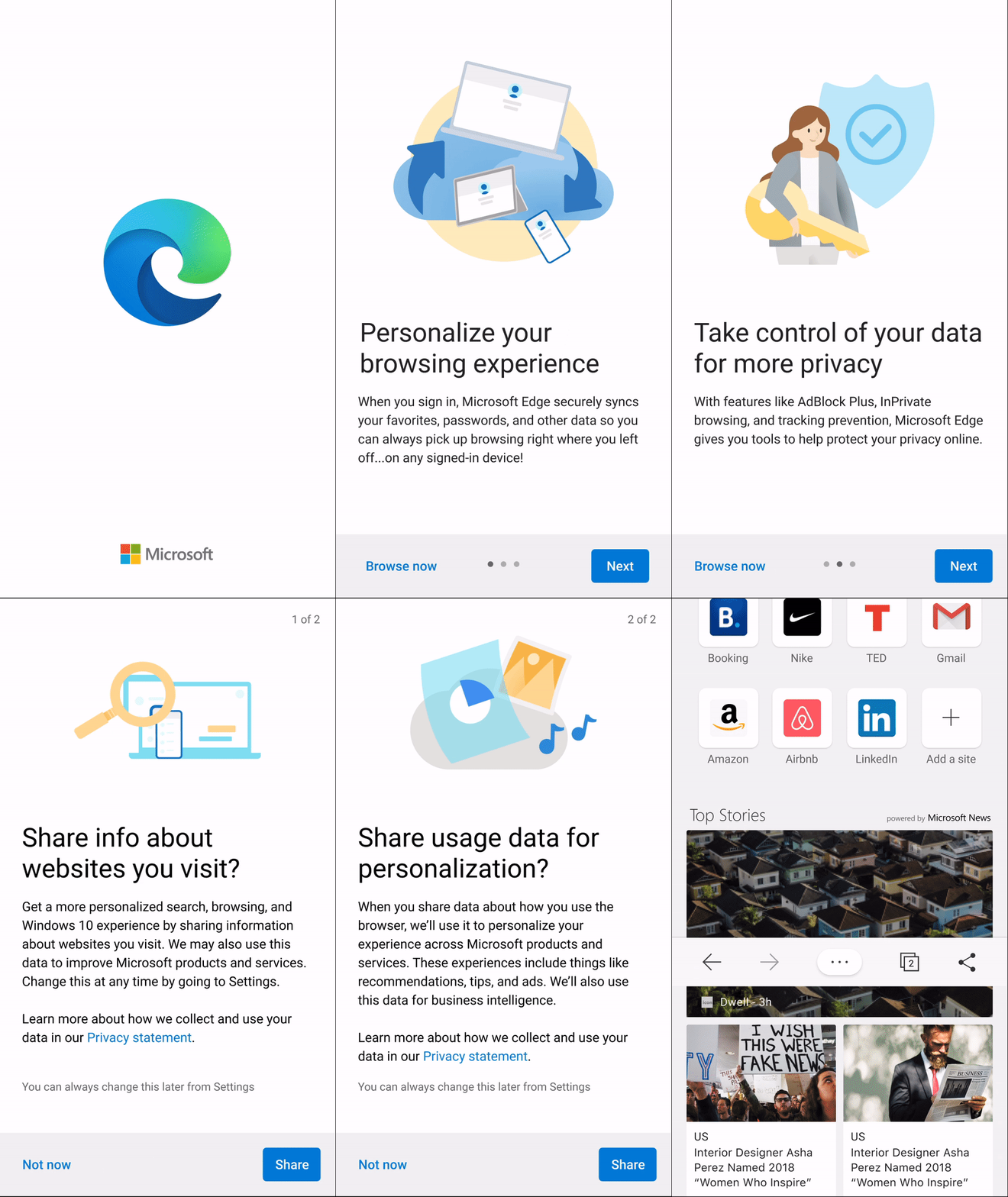
Telemetry showed that more than 30% of users dropped off before reaching the app. The team explored ways to address usability issues in the existing onboarding flow and make the first-run experience more welcoming and valuable.
My role
I worked closely with a product manager and UX researcher to identify pain points, explore design directions, and iterate on the onboarding experience.
I created wireframes and interactive Figma prototypes, incorporated feedback, and collaborated with the researcher on iterative testing.
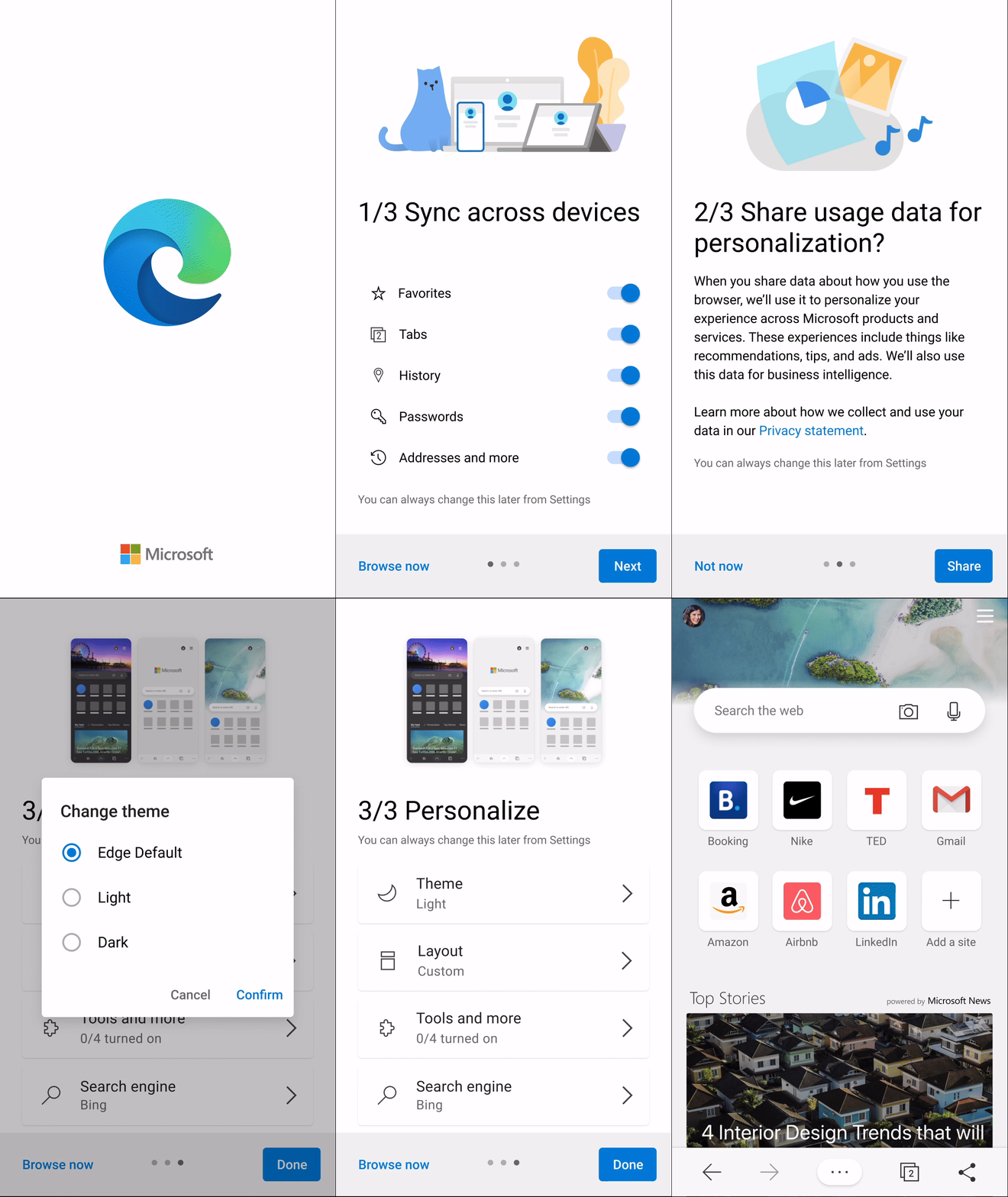
I explored and refined the onboarding flow through several changes:
- Simplified settings: Combined data settings into one step.
- Clarified syncing choices: Let users choose which items to sync at the beginning.
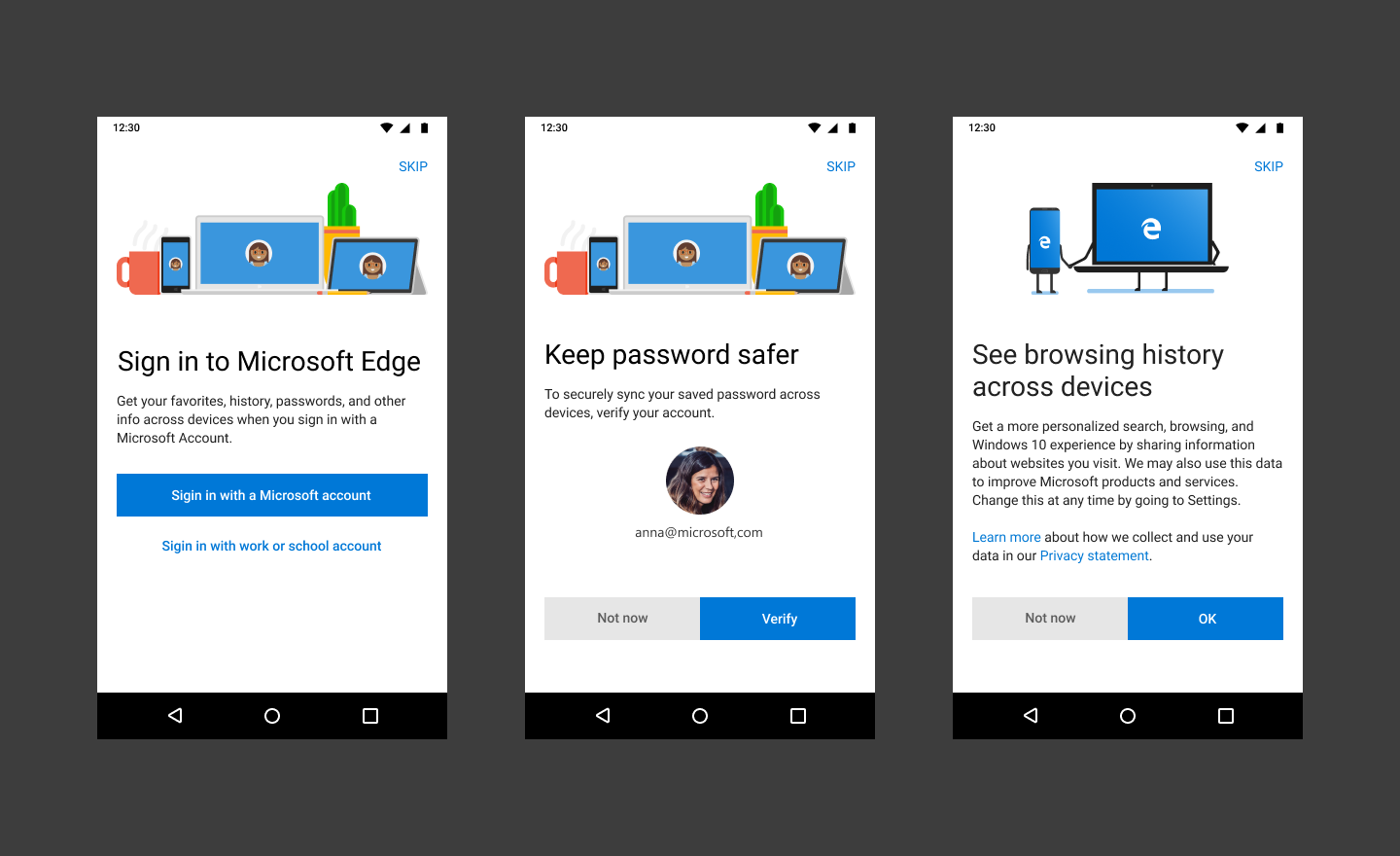
Before: UX issues found during usability testing including confusing wording; Skip button in blind spot; Not providing user-valued content.
- Added personalization: Introduced personalization options during onboarding.
- Refined the visual design: Updated typography, illustrations, and iconography to align with Fluent Design.
After: Add personalization items during FRE; Merge data settings into one step; Choose sync items at the beginning; Update font, illustration and iconography to align with fluent design system.
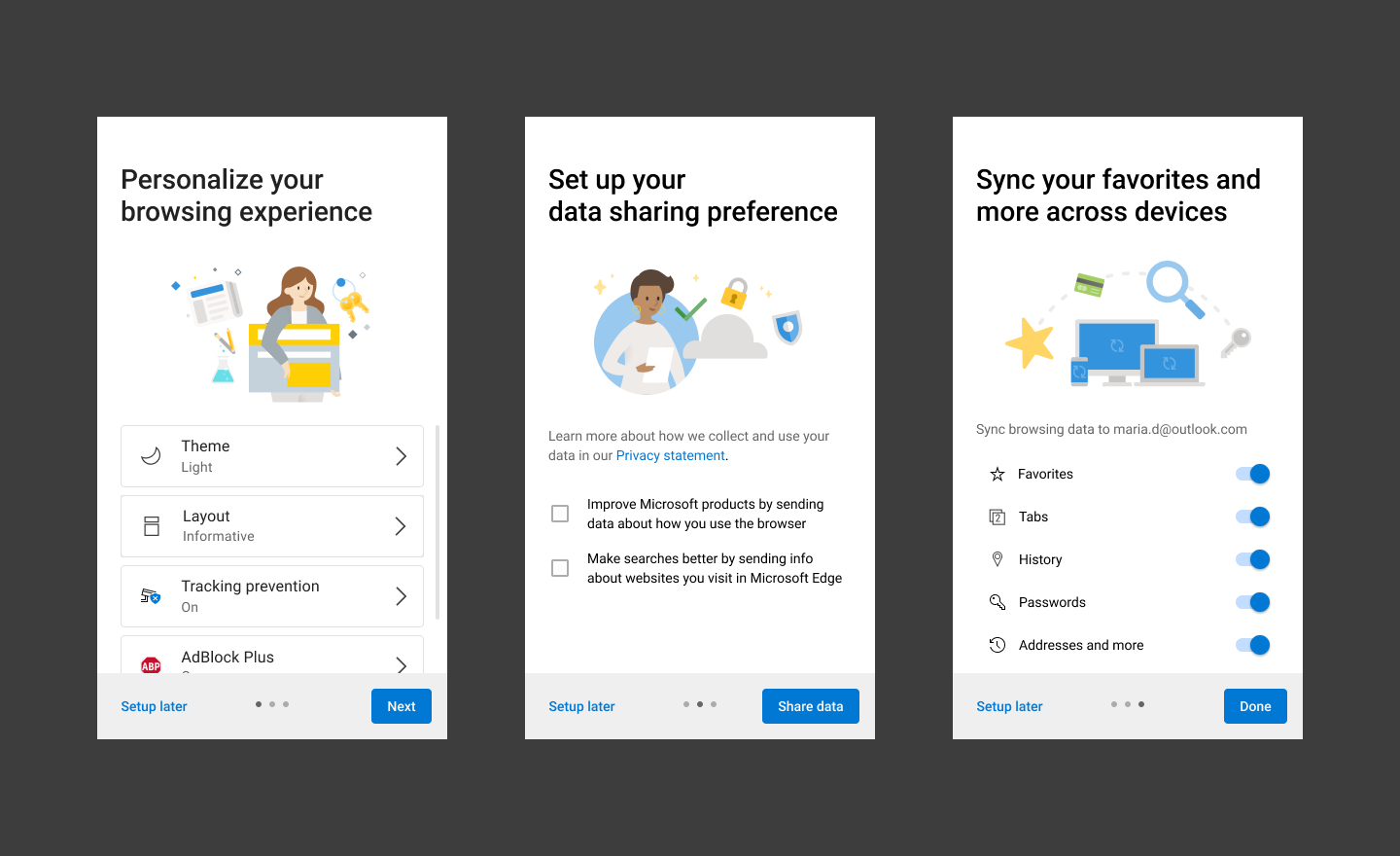
First Run Experience
Heritage Roast Coffee
We implement a precise medium roast that optimizes bean integrity, delivering balanced acidity and a nuanced cocoa finish with every pour.
Artisanal Sourdough Sandwich
Our bakers facilitate a 24-hour fermentation, enabling a resilient crust that supports seasonal vegetables and aged cheddar for a comprehensive flavor profile.
Seasonal Greens Salad
We assemble farm-picked lettuce, citrus segments, and toasted seeds, demonstrating a balanced solution for those seeking a light yet nutrient-dense selection.

Make it stand out.
It all begins with an idea. Maybe you want to launch a business. Maybe you want to turn a hobby into something more. Or maybe you have a creative project to share with the world. Whatever it is, the way you tell your story online can make all the difference.

Make it stand out
It all begins with an idea. Maybe you want to launch a business. Maybe you want to turn a hobby into something more. Or maybe you have a creative project to share with the world. Whatever it is, the way you tell your story online can make all the difference.

Make it stand out.
It all begins with an idea. Maybe you want to launch a business. Maybe you want to turn a hobby into something more. Or maybe you have a creative project to share with the world. Whatever it is, the way you tell your story online can make all the difference.